
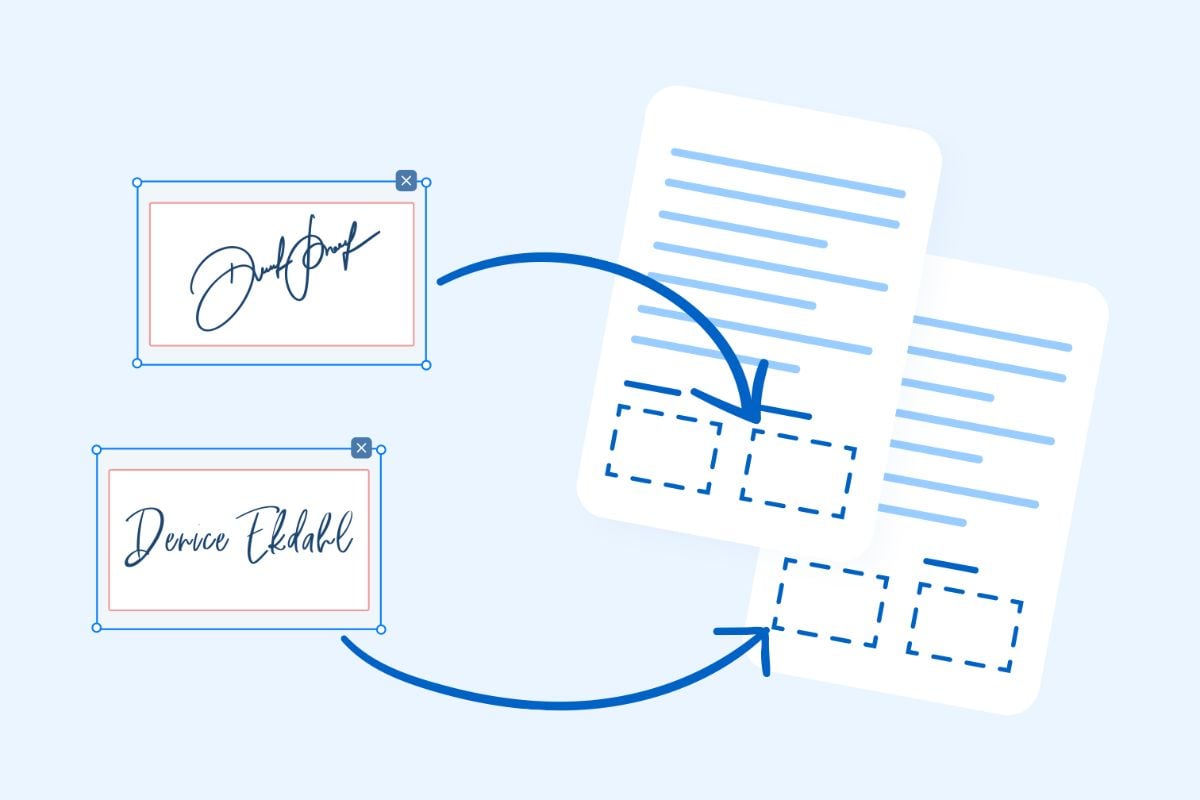
Signing a PDF electronically typically involves using digital signatures. Here's a general guide on how to electronically sign a PDF:
Using Adobe Acrobat Reader DC (Free Version):
1. Open the PDF:
- Open the PDF document in Adobe Acrobat Reader DC.
2. Access the Sign Tool:
- Click on the "Fill & Sign" tool in the right pane.
3. Create a Signature:
- Click "Sign" in the toolbar at the top.
- Choose "Add Signature" or "Place Signature."
4. Draw or Import Signature:
- You can draw your signature using the mouse or touchpad.
- Alternatively, you can import an image of your signature.
5. Place the Signature:
- Drag and drop the signature onto the PDF where you want it.
6. Adjust Size and Position:
- Resize and reposition the signature as needed.
7. Save and Finalize:
- Save the PDF with the added signature.
Using Online Platforms:
1. Choose an Online Platform:
- Various online platforms offer electronic signature services (e.g., DocuSign, Adobe Sign, HelloSign).
2. Upload the PDF:
- Upload the PDF file to the chosen platform.
3. Create a Signature:
- Most platforms allow you to draw, type, or upload a signature image.
4. Place the Signature:
- Drag and drop the signature to the desired location in the document.
5. Adjust and Confirm:
- Resize and position the signature as needed.
- Confirm and save the signed document.
Using Built-in OS Tools (e.g., Preview on Mac):
1. Open the PDF:
- Open the PDF in the default PDF viewer.
2. Access Markup Tools:
- In some PDF viewers, like Preview on Mac, there are built-in markup tools.
3. Create a Signature:
- Use the drawing or text tools to create a signature.
4. Place the Signature:
- Add the signature to the PDF.
5. Save the Document:
- Save the PDF with the added signature.
Always ensure that the method you choose complies with legal requirements for electronic signatures in your jurisdiction. If the document requires a more secure or legally binding signature, consider using a platform that provides a higher level of authentication and compliance.

