
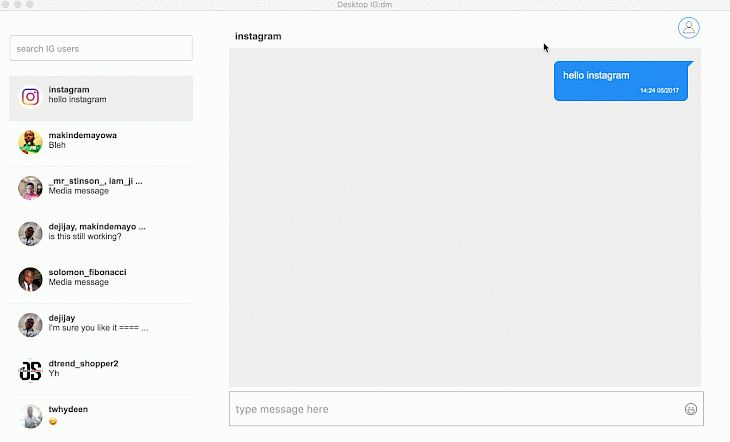
As you know, Instagram is one of the most popular social networks in the world. With Instagram, you can share your pictures and videos with more than 500 million users who are members of this network.
I occasionally need to download our Instagram conversations for personal or professional reasons. These conversations are sometimes vital, and I have to retrieve them.
Some methods exist to download your chats, as Instagram doesn’t have a built-in feature. Instead, I’ll explain how to download an Instagram chat in this article.
One of the most useful features of this social network is the ability to download the content of conversations in Direct. In fact, you can download all your chats with other users of this network in a text or txt file. After downloading, you can easily search for the desired message and extract information such as time and date of sending.
How to download and save conversations on Instagram
In order to use this feature, you must first update the Instagram software to the latest available version. You can use this link to get the latest version of this popular social network. In order to download and save conversations on Instagram, we proceed as follows:
1. First, log in to your Instagram account and enter the user profile section through the icon shown in the image.
2. Tap the three-line bar at the top of the screen. Choose Settings from the opened menu.
3. In the settings section, first select the Security option and then tap on Download Data.
4. In the available box, enter the email address connected to the Instagram user account and select the Request Download option. After a few minutes, you will receive an email containing the contents of your posts, stories, and conversations in the form of a Zip file. Download the file and unzip it.
5. It should be noted that if you do not have access to the Instagram application, you can access the Request Download section by visiting the Instagram website and logging in to your account.
6. Next, open the downloaded folder and open the messages.json file using text editing software such as Notepad.
7. As you can see, all your conversations with different users are placed in this section. You can search for the desired text and view the contents of that conversation by using the combination keys Ctrl + F.
In this article, we reviewed the method of downloading and searching for direct messages on Instagram. Keep in mind that in order to increase the security of the user account and the information inside it, it is better to delete all the downloaded files after finishing the work.

