
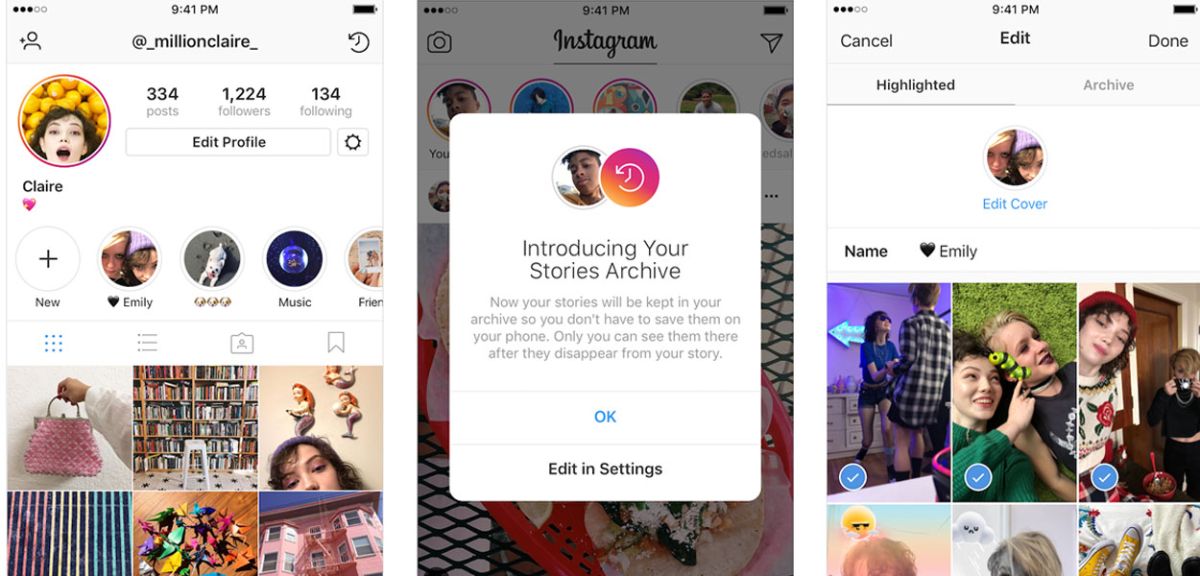
If you’re like me, you love using Instagram to share your awesome photos and videos with your friends and followers.
But sometimes, you want to keep some of your stories on your profile longer than 24 hours.
That’s where highlights come in handy.
But what if you have some fantastic photos or videos on your camera roll that you want to add to your highlights?
You should have posted them as stories or wanted to keep them private later.
Highlights are like mini-albums that you can create and display on your profile. They let you showcase your best moments and express your personality. You can have as many highlights as you want, each with up to 100 stories.
Then, you can add them to your highlights immediately or later. Here’s how:
Now, you have two options: immediately add it to your highlights or wait until later.
The easy way is pretty straightforward, but there’s one problem: everyone who follows you can see your Story before you add it to your highlights.
That may be fine with you, but you don’t want anyone else to see it. It could be too personal, too embarrassing, or too exclusive.
In that case, you can use a sneaky way: hide your Story from everyone.
This will hide your Story from your followers and anyone who visits your profile.
You can also hide it from specific people if you want.
Now, you can post your photo or video from your camera roll as a story and add it to your highlights using the same steps as the easy way.
The only difference is that no one else will see it.
If you want to unhide your Story from everyone, you can go back to the same settings and deselect All or the specific people you hid it from.

