
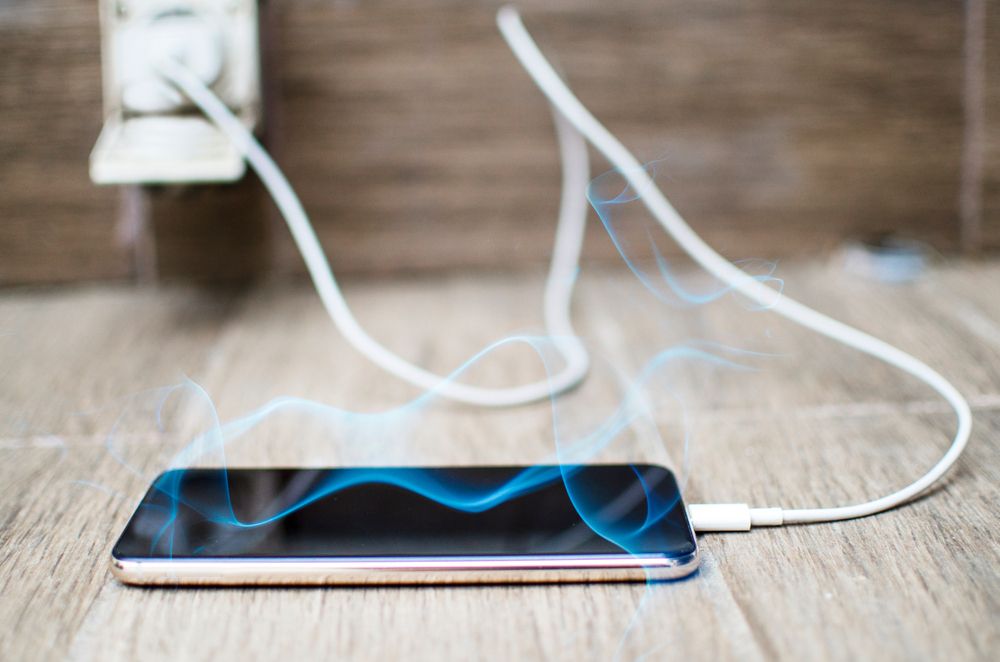
Mobile phone overheating is one of the most common concerns of smartphone users, which sometimes worries them. Almost most smartphone users have experienced overheating at least once. Several factors play a role in the heating of the smartphone, which we have prepared a list of below. Stay with AndroidTechniques to know what are the reasons that android phones overheat.
Nowadays, the use of Internet users has increased significantly. Surfing the web, playing online games, etc., and using various social networks such as WhatsApp and Instagram require your phone to be connected to the Internet. Your continued use of the Internet increases the temperature of your smartphone. It is also necessary to know that you should expect more heat when you share your phone’s Internet with others through Hotspot.
Apps like WhatsApp, Instagram, Facebook and Twitter, which are constantly running in the background to keep their content up to date, have a significant impact on CPU and RAM processing, which also causes the phone to heat up.
You may have experienced slowness and speed drop as the temperature of your phone rises. This process may be due to the processor being locked to cool down your phone as a security precaution. Malware running in the background may be the reason for this lock; Therefore, we recommend you check your phone for malware.
Smartphone users often use screen protectors and frames to protect their devices from impact, but they ignore the fact that they prevent the heat of their phone from dissipating. Like other electronic devices, a mobile phone needs energy, and the use of this energy produces heat. Most smartphones dissipate the heat produced by the body and the holes they have, so using a frame and protective layers can make heat dissipation a little more complicated.
Most of the mobile battery charge is consumed by the display. The higher the display brightness, the higher the battery drain. Discharging the battery, on the one hand, and high screen consumption, on the other hand, cause the temperature of your phone to increase significantly.
100% charging of the mobile phone, in addition to shortening the battery life, also increases its temperature; Therefore, our advice to you is to avoid charging your phone 100% and charge it between 20 and 80%.
Using a fake and non-original cable and adapter is another reason that increases the temperature of your smartphone, in addition to reducing battery life and charging.
You should also remember that some chargers are designed for more powerful devices, which can damage the battery and cause it to overheat. We recommend you use the charger and cable suitable for your phone. You can read the guide to buying chargers and charging cables for more information.
Our smartphones are now full of information, from family photos and videos to work projects and chats. So, none of us like our smartphones to get damaged, and we must delete the data on them. In addition, the price of a smartphone is not such that we can replace our phone with a newer model in case of failure, which makes us take more care of our phone. One of the things that can cause severe damage to different parts of the phone, in the long run, is the issue of Android overheating. When the phone gets hot, in addition to reducing the hardware performance, the battery and other parts are damaged, and we should prevent the phone from getting hot as much as possible. What should we do now, so the Android phone does not heat up?
Generally, it is normal for Android and iPhone phones to heat up. We cannot expect that the phone will not heat up when it is connected to charging or playing heavy games but to improve this issue, we can take various measures, which we will discuss below why the phone gets hot while charging.

