
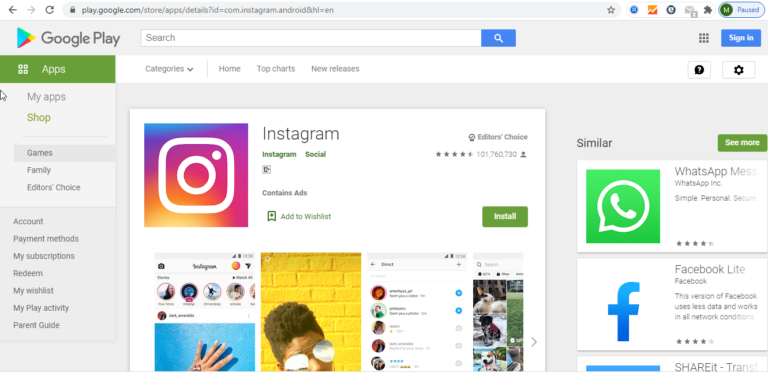
Instagram is a popular social network for sharing photos and videos. This application is provided for Android and Apple phones; Instagram does not have a separate Windows and Mac version.There are many users who want to use this software on a computer. A desktop version of this software is very useful for some Instagram users (for example, companies that have an Instagram page and work on it).
If you are an Instagram user and want to use Instagram capabilities on your computer or laptop, the best way is to use Android and iOS Emulators for Windows and MAC. Android and iOS emulator allows you to run Android apps on your computer or MAC. In the same way, you can take advantage of Instagram features on your computer. So first I will explain how to install the Android emulator and then run Instagram on it.
The best simulator software for Android is called BlueStacks. With this free simulator, you can run all Android applications on your computer. To download and install Bluestacks on PC for Android, follow these steps:
You can now use the Instagram app on your computer.
As I said, Instagram is not for computers. Microsoft has come up with a solution for users who want to have the app on Windows.
This solution is to use Instagram software for windows 10. As the name implies, this software can only be used in Windows 10. This software provides users with more features than the website version and software similar to Instagram. But the big limitation of this software is the impossibility of posting directly on Instagram.
Follow the steps below to install Windows 10 Instagram:
Another way you can use Instagram’s capabilities on a computer is to use the Google Chrome browser plugin. Here are some of them:
This plugin is not directly related to Instagram, but it is a simulation that is installed on the Chrome browser and through it you can run Android applications. Like Bluestacks, using this method gives you all the features of Instagram. Follow the steps below to install and run this plugin:
A few other plugins (with more limited features):
With this plugin, you can view your friends’ posts and stories, comment and upload photos from your computer. In addition, this plugin is also available as an independent Android application; So you can install and run it using the Bluestacks tutorial.
As the name implies, you can check your Instagram account notifications. Viewing posts, liking / online and following / following is one of the features of this plugin.

